I discovered that we can modify the spacing of app icons in the MacOS menu bar. This is super useful on MacBook with a notch.
$ defaults -currentHost write -globalDomain NSStatusItemSelectionPadding -int 6
$ defaults -currentHost write -globalDomain NSStatusItemSpacing -int 6
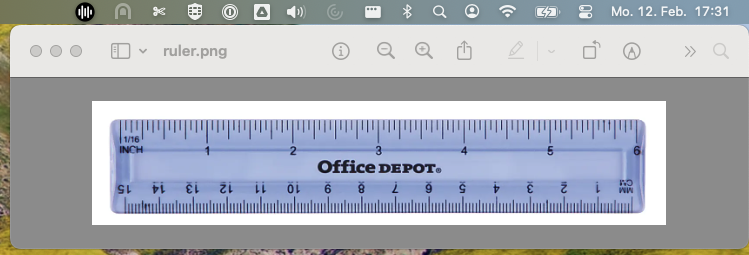
The default spacing.
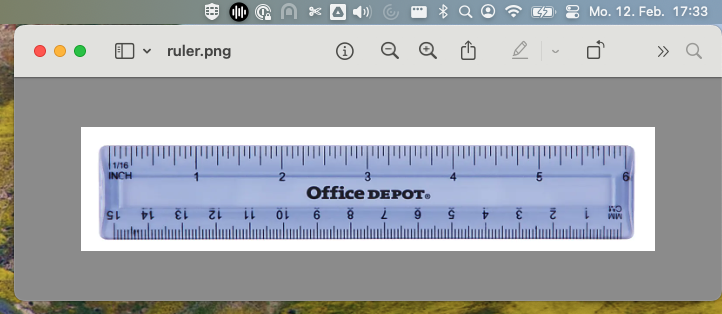
A spacing of 6 points.
For the changes to take effect, you need to log out and back into your MacOS account. A spacing of 6 points is a good starting point. You can adjust the value to your liking.
Log out and back into your MacOS account to see the changes.
Furthermore
You can use CMD + Drag to rearrange the order of the icons in the menu bar.
Sources
Gummibando was the first to mention this on Stack Exchange.